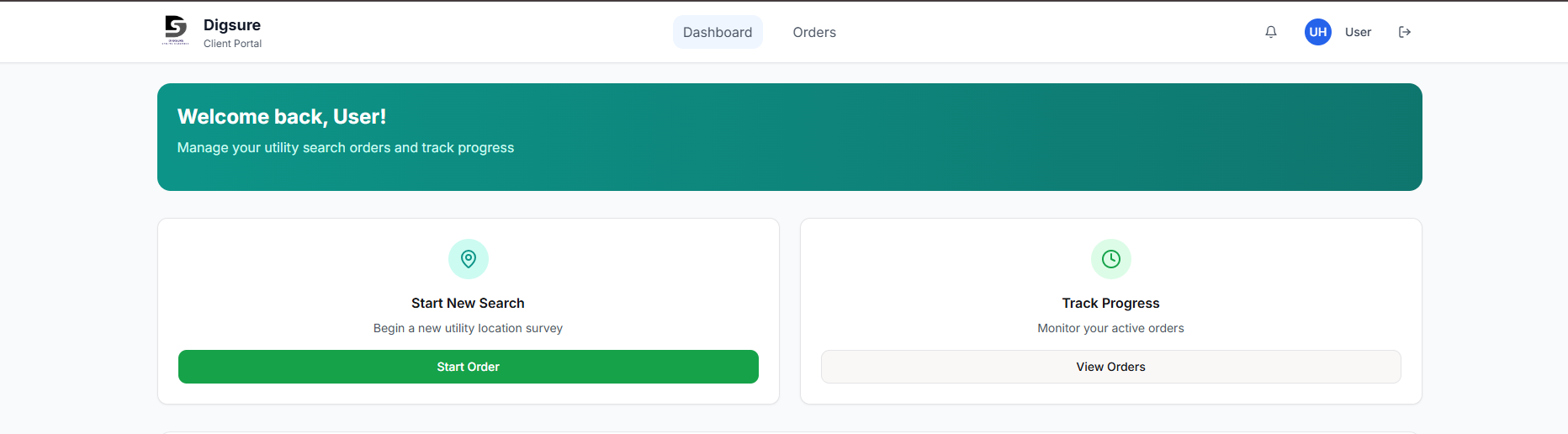
Our online portal makes ordering third party utility searches simple, fast, and transparent. Whether you need a basic utility pack for a small site, or a comprehensive set with CAD drawings for a larger scheme, you can place an order in minutes, track progress, and download your deliverables from a single account.
What is the Digsure portal
The Digsure portal is a self serve platform where you create an account, draw or upload your site boundary, choose turnaround and extras, then submit your utility search. Your order goes straight to our team, you can check status at any time, and you will be notified when your documents are ready to download.
Who uses the portal
The portal is designed for anyone who needs clear underground and overhead utility information, including:
- Developers and project managers planning new builds, extensions, and infrastructure works
- Architects and planning consultants preparing applications and design packs
- Civil and utility contractors scheduling safe excavation and enabling works
- Highways and drainage engineers coordinating connections and diversions
- Surveyors and site managers who need accurate CAD ready deliverables
- Homeowners and small builders who need a fast, low cost check for minor works
How to place an order in the portal
- Create your account, or log in — Go to Register to set up your account, or Log In if you already have one.
- Set your site location — Search by address, postcode, or coordinates. You can paste coordinates, or drop a pin to centre the map.
- Draw your site polygon — Use the on screen tool to trace your boundary. If you prefer, upload a KML, GeoJSON, or a simple list of coordinates, and the map will generate the shape for you.
- Review area and price — The portal calculates area automatically and shows live pricing based on your selected service. This keeps costs predictable before you proceed.
- Choose turnaround and extras — Select our standard service, or the twenty four hour turnaround when time is critical. Add options such as CAD utility drawing, or specific provider checks as needed.
- Attach any supporting files — Upload site plans, markups, or notes so our team understands the context and any constraints.
- Enter project and contact details — Add scheme name, reference, invoice details, and a preferred contact, then confirm.
- Submit and track — Your order appears in My Account with a live status. You will receive emails as things progress, and you can download your utility pack and drawings when complete.
What you receive
Depending on the service selected, you can expect:
- Utility search pack — A combined PDF containing responses from relevant asset owners, clearly labelled and organised.
- Composite utility plan — A single view of known utilities to support planning and risk assessments.
- CAD utility drawing — Accurate layers delivered in DGN, DXF, or DWG, ready to drop straight into your design workflow.
- Summary sheet — Key contacts, constraints, and notes to support on site and design decisions.
Pricing and turnaround
Prices are clear at checkout and update as you draw your polygon, or change options. Select the twenty four hour turnaround for urgent projects when available, or choose the standard service when time allows.
Best practice for accurate results
- Draw the full working area, including access routes and compounds where relevant
- Attach a site plan with north arrow and scale, so we can verify the boundary precisely
- Share any known utilities or constraints to help us target key providers
- Use the notes field for special instructions, for example phased deliverables or naming conventions
Security and data handling
We take data security seriously. Files and personal details are handled in line with UK data protection requirements, and access to your orders is limited to your team and ours. Contact us if you need a confidentiality agreement in place.